self-hostingdockertutorial
Getting Started with Self-Hosting: A Complete Guide
FreeAlternative Team
Author
January 8, 2025
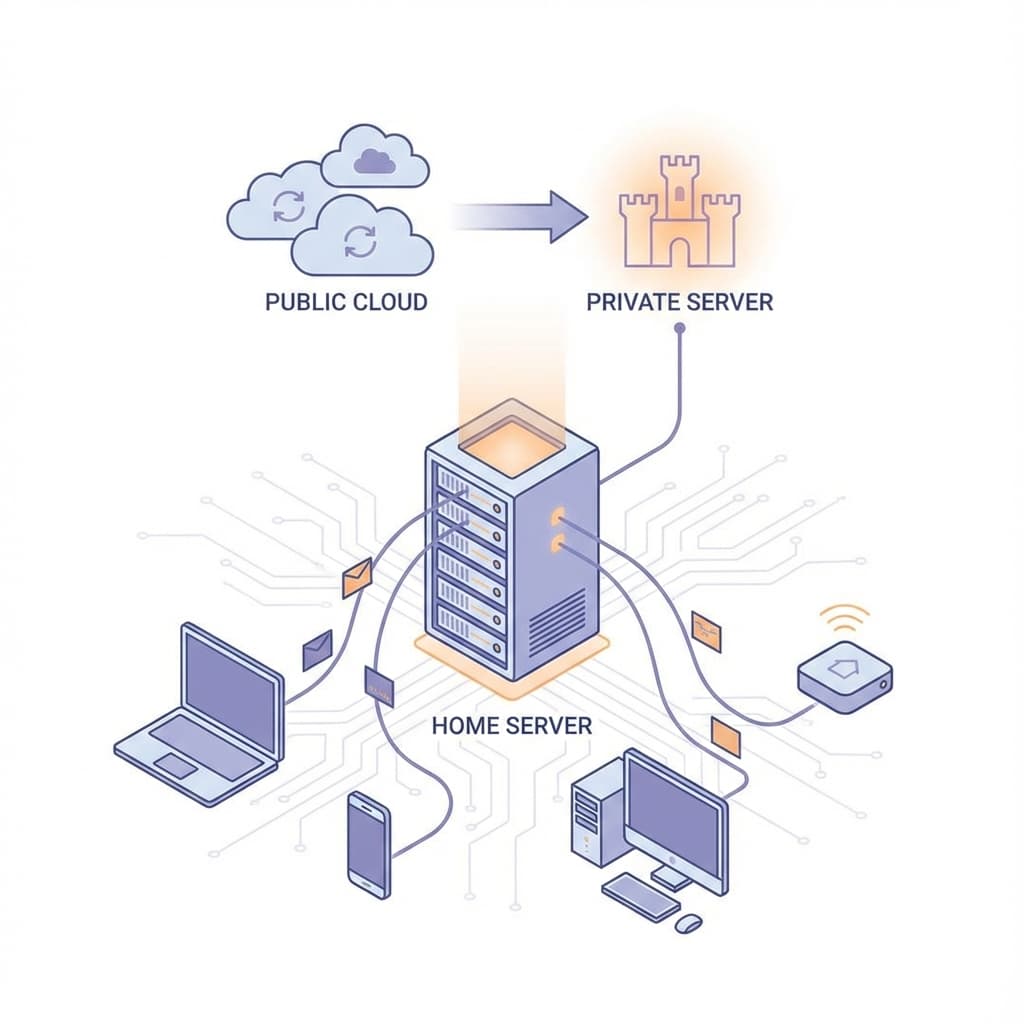
Self-hosting gives you complete control over your data and applications. In this guide, we'll walk you through everything you need to know to get started.
What is Self-Hosting?
Self-hosting means running applications on your own hardware or cloud infrastructure instead of relying on third-party services.
Why Self-Host?
- Data Privacy - Your data stays on your servers
- Cost Control - Predictable costs without per-user pricing
- Customization - Modify and extend as needed
- No Vendor Lock-in - Switch providers anytime
Prerequisites
Before you start, you'll need:
- A server (VPS, dedicated, or local)
- Basic command line knowledge
- Docker installed
- A domain name (optional but recommended)
Setting Up Your First Self-Hosted App
Let's deploy Plausible Analytics as an example:
git clone https://github.com/plausible/hosting
cd hosting
docker-compose up -d
Best Practices
- Always use HTTPS
- Set up automatic backups
- Keep your systems updated
- Monitor your services
Conclusion
Self-hosting empowers you to take control of your digital life. Start small with one application and expand from there.